
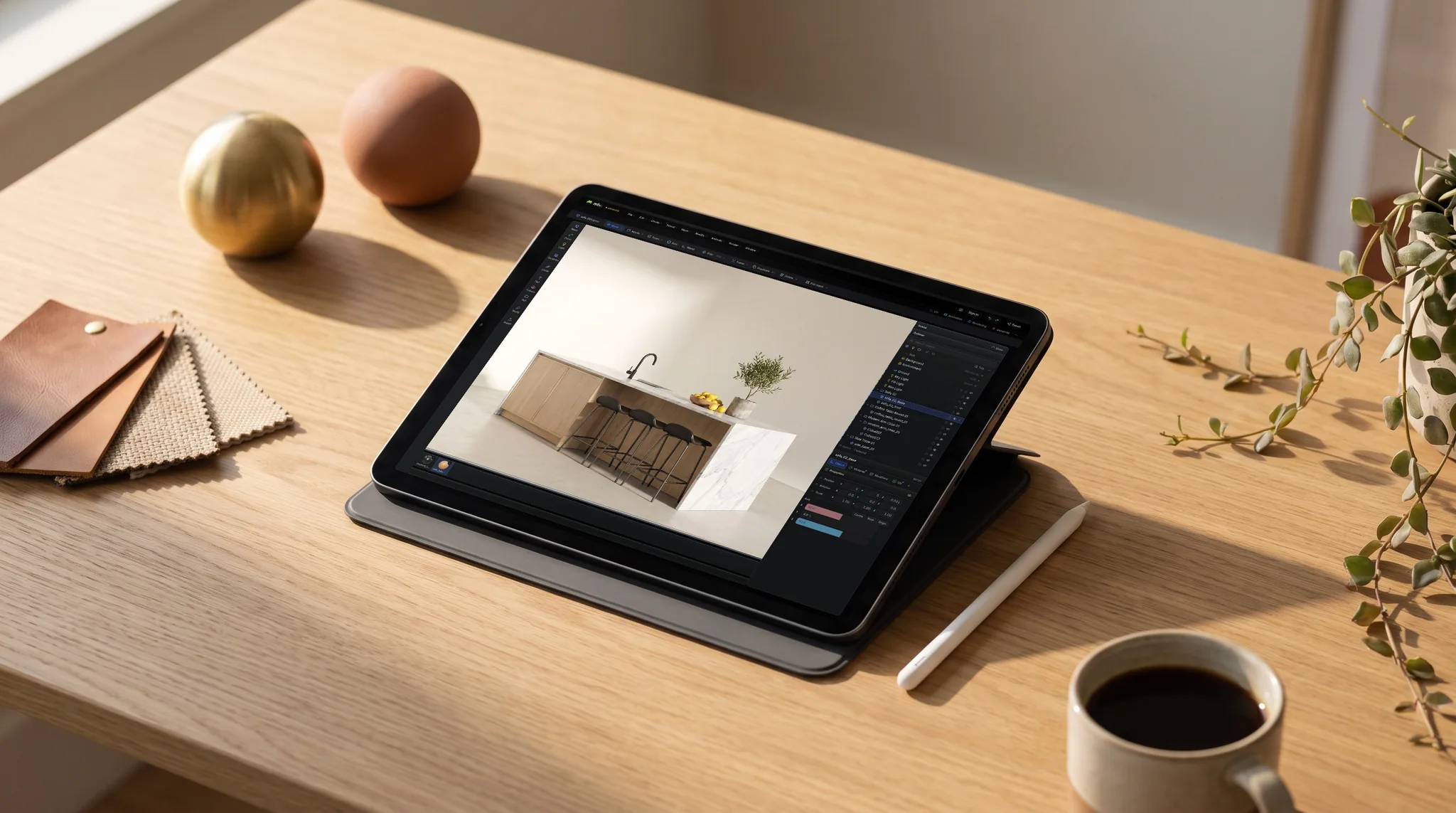

Studio
Scene assembly, modeling & animation
Assemble a shot: a real scene graph with parenting and transforms, polygon modeling on a half-edge core, and keyframe animation on a timeline — with an assistant that can drive all of it.
Sculpt · Model · Texture · Render · Export
Sculpt the form, model the scene, paint layered PBR materials, export 4K maps. Save once and your project syncs to your account — reopen it on any machine. Free to start, no install.
5,500+ artists in 145 countries · 2,669 CC0 materials and 376 models included.
Featured on


The Mixos suite
Each app does one job: Studio models precise geometry and assembles the shot, Paint puts materials on the surface, Mold pushes organic form like clay, Auto textures a whole model from a single prompt, and Logo builds a flat mark into extruded 3D layers to light and render. Work moves between Studio, Paint and Mold in any direction, and a model sent out to be reshaped comes back with its texture intact; an Auto result opens in Paint as an editable layer, and a logo opens in Studio as the same scene file, not an import.
Scene assembly, modeling & animation
Assemble a shot: a real scene graph with parenting and transforms, polygon modeling on a half-edge core, and keyframe animation on a timeline — with an assistant that can drive all of it.
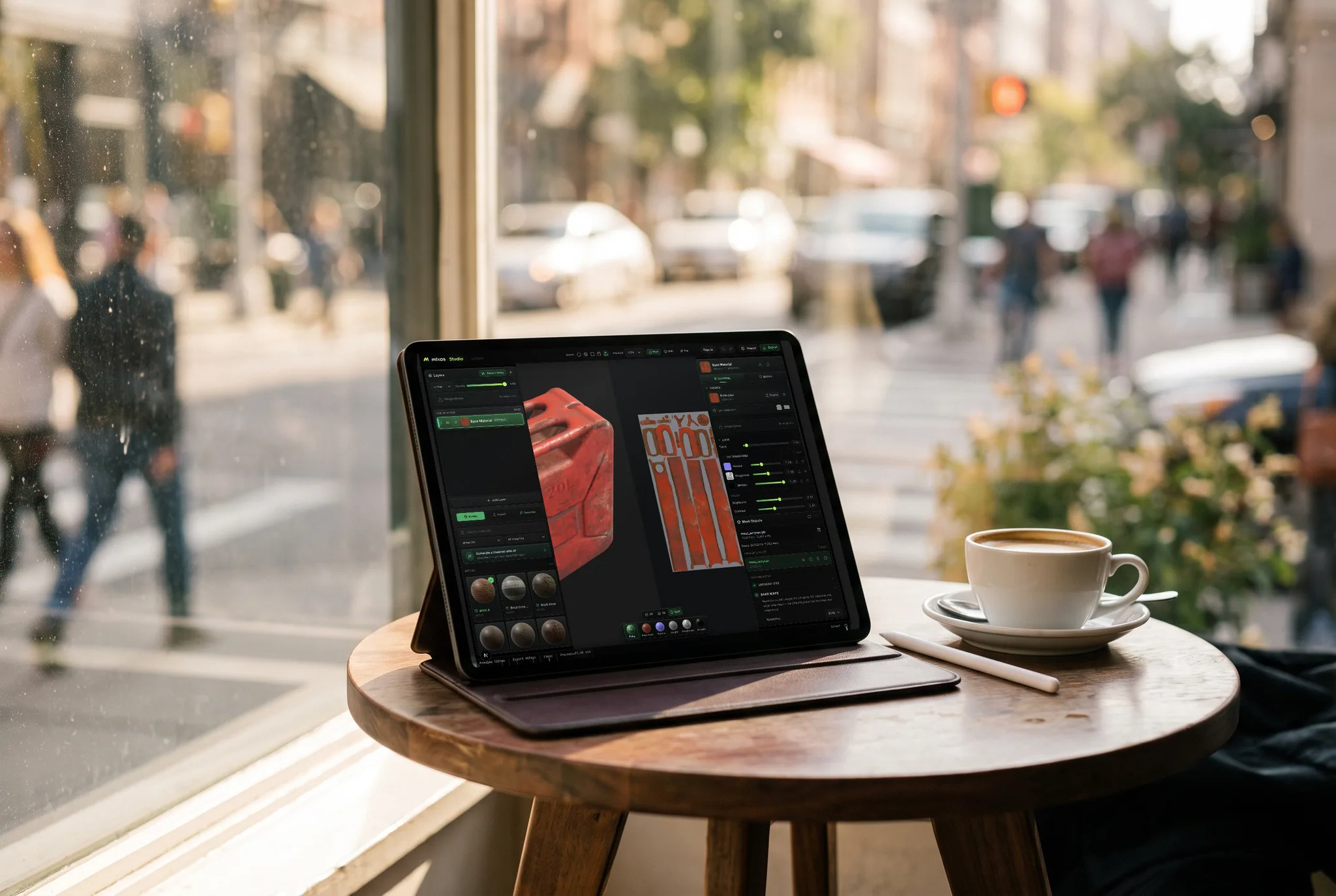

3D texture painting
The full editor. Import a mesh and paint, layer, and mask production PBR materials directly on it — then export clean map sets for any engine.
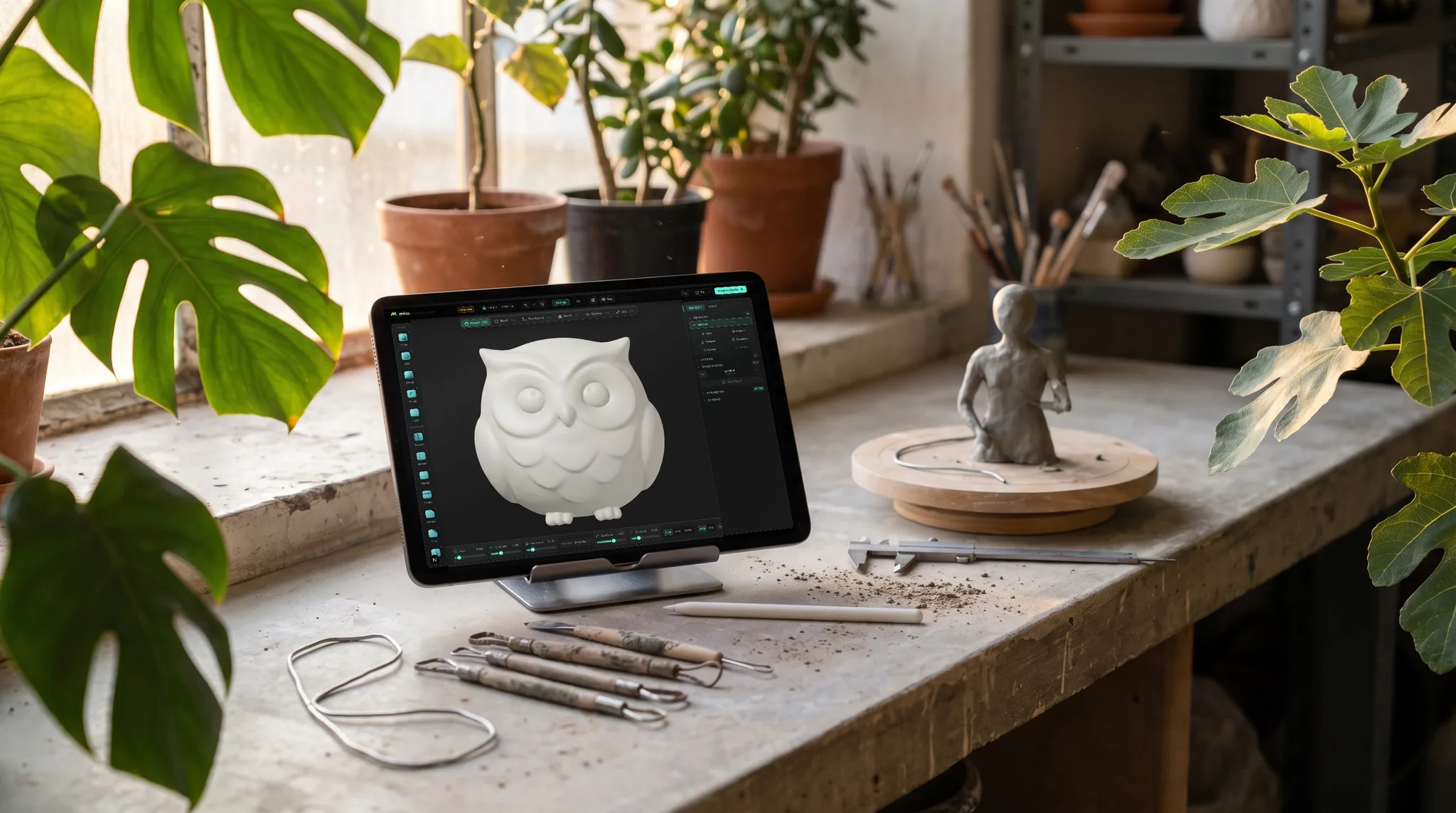

3D sculpting
Sculpt organic form directly on the GPU — subdivide, push, pull, and smooth clay with pressure brushes, then hand the mesh straight to Paint to texture. Pull it back later to reshape and the texture stays put.
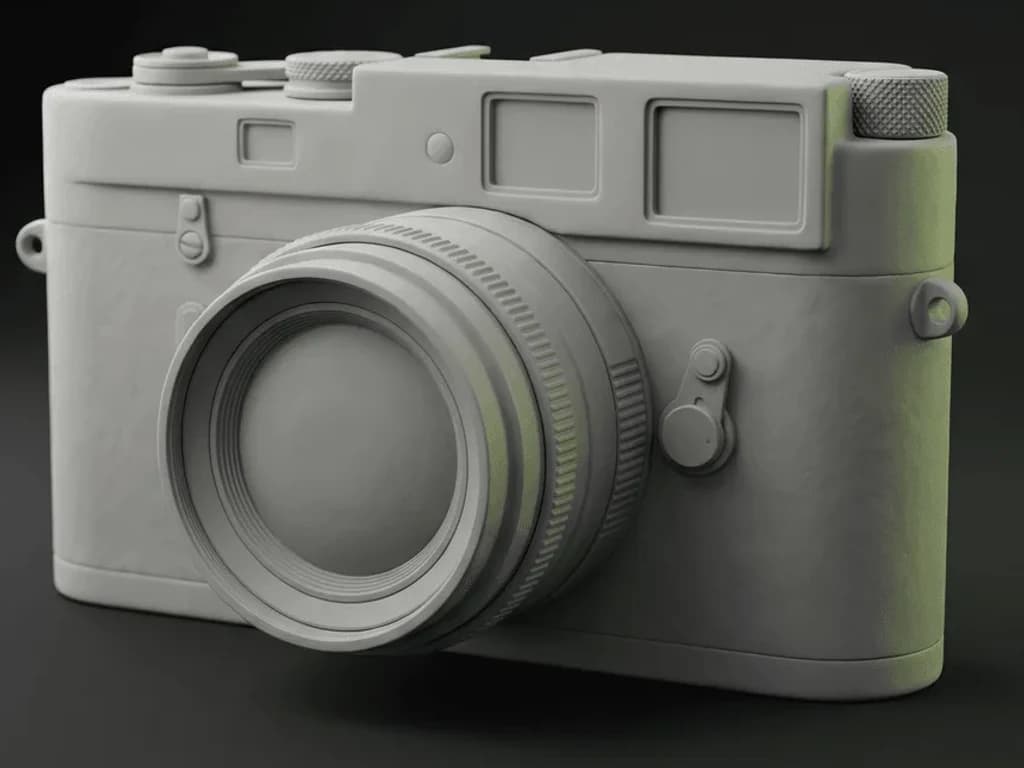

AI auto-texture
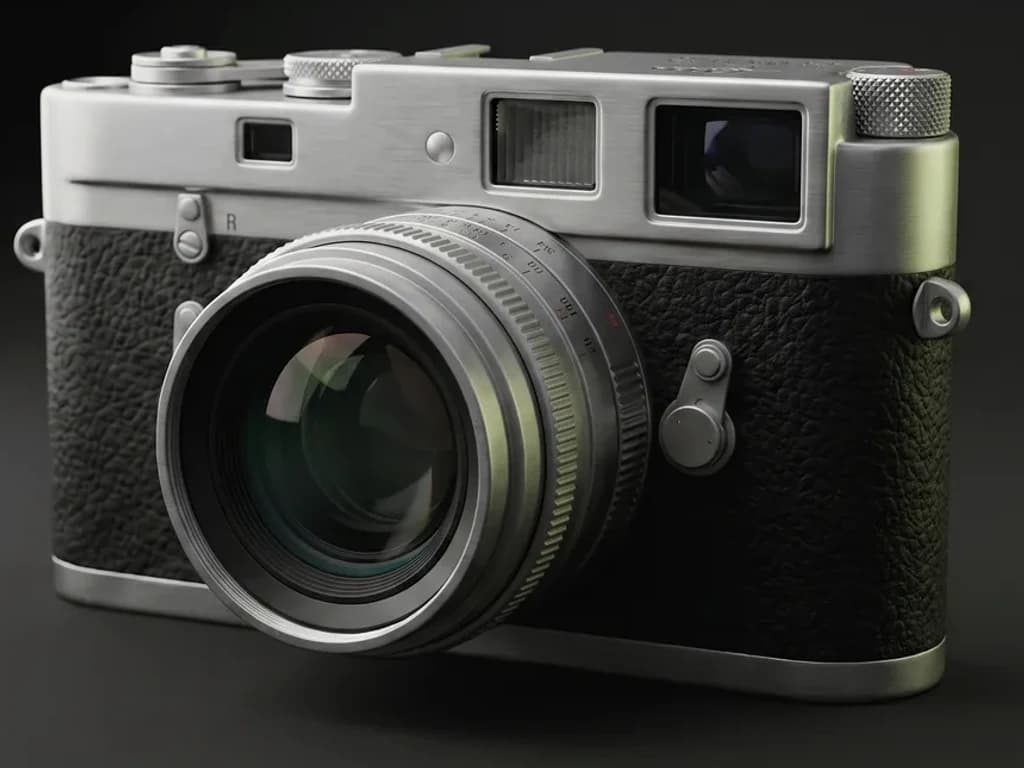
Describe a look in one prompt and Auto textures your whole model — editable PBR maps, projected over the real geometry.

AI 3D logo design
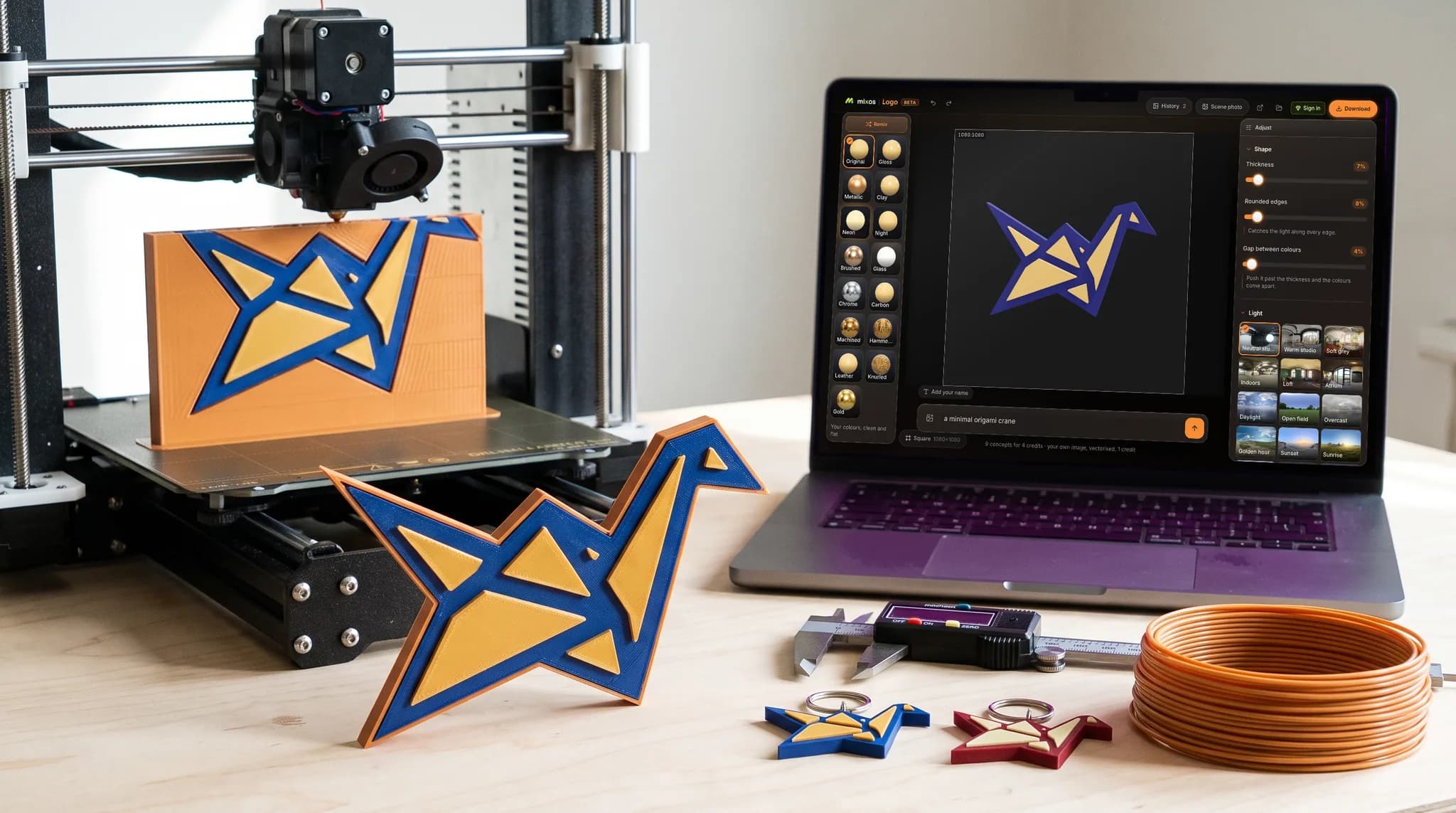
Turn a flat mark — your own, or one described to an AI — into real extruded 3D layers, then give it metal, glass or neon, light it, and render a still or a turntable. No CAD, nothing to install.
Companion tools

Material mixer
Stack and height-blend PBR materials into a seamless, tileable surface — no mesh, no UVs, no setup.
Maps that drop into
Material library
Bricks, concrete, metal, wood, stone, fabric and leather — each a full PBR set, free with every account — plus a community shelf of AI materials that grows every week. Drag one onto the stack, or drop in a library of your own. Or skip the library entirely and texture the whole model with AI from a written description.
Pricing
The whole editor is free — you upgrade only to export production maps, keep a full project library, and generate with AI at volume. One account, one plan — every tier includes every app in the suite: Studio, Paint, Auto, Mold, Logo, Blend.
Credits are only for AI generation — about one per texture, weathering mask, brush, or decal, and a couple for a full PBR material or an Auto-Texture pass. Painting, layering, baking, and export never touch them.
No subscription
One payment, no renewal, no expiry. Export stays unlocked across every app for as long as Mixos exists — whether you open it twice a week or twice a year.
Compare: $107.88 for a year of Pro, billed monthly until you cancel.
Updates included for as long as Mixos ships them. Nothing to renew, nothing that lapses.
Teaching a class? Classroom grants are free — paid Mixos for your whole roster for the term, with nothing to install on lab machines.
Switching from
Layered PBR painting with no subscription and no install.
Model, sculpt and texture in a tab, with a far shorter first hour.
Dynamic-topology sculpting that runs on hardware you already have.
Scene layout, materials and animation in the browser.
Questions
The honest answers to what artists ask before they switch.
No. Mixos runs entirely in your browser — sign in with a free account and you are animating, modeling or texturing. No download, no drivers, no license server. (If you want a native app anyway, there's a free desktop version for Mac and Windows too.)
Yes. Mixos Studio keyframes objects, cameras, lights and materials on a timeline, retimes them in a dopesheet and shapes the motion in a curve editor. It auto-rigs a T-posed humanoid in one step and retargets any of 2,500+ motion-capture clips onto it, then path-traces the result — in a browser tab, with nothing installed. Animating is free; exporting the animated scene as GLB or glTF, or saving a render, needs a paid plan.
For a lot of work, yes. Mixos Paint is a browser-based 3D texture painter in the Substance Painter mould: layered PBR materials with masks, smart materials, mesh-map baking (AO, curvature, thickness, normals, high-to-low) and export presets for Unreal, Unity, Godot, Blender and Cinema 4D. Painting is free; exporting maps needs a paid plan. Substance still goes deeper on procedural generators, 8K export and fully offline work.
Any of them. You export standard PBR map sets — base color, normal, roughness, metallic, height, and opacity — plus a glTF (.glb) and baked maps like AO and curvature, so they drop straight into Cinema 4D, Blender, Unreal, Unity, Godot, Houdini, Maya, and any renderer. The free desktop app goes further with a Live Link that streams your maps into Blender, Cinema 4D, or Unreal while you paint — no export loop at all.
Yes. Import your mesh (GLB, glTF, FBX, OBJ) to animate it in Studio or paint and bake on it in Paint — rigged GLB and FBX characters arrive with their clips as editable keyframes — and bring photos or scans as material sources.
Yes — modeling, animating, sculpting and painting are free with a free account, which also includes trial credits for the AI generators. Paid plans unlock export, the project library, 2K material generation, and a refreshing monthly pool of AI credits.

Get started
No download, no setup, nothing to license. Sculpt a form, block out a scene, and paint real PBR materials on it — moving between the apps without losing your work.